
Image Tools
by brownie.tools
Right-click images to compress, resize and convert them in a side panel. Available on Edge and Firefox. Chrome listing coming soon.
Chrome listing coming soon
- Version
- 0.1.0
- Updated
- Published
- Category
- Photos
- Works in
- Edge and Firefox
- Price
- Free
- Data
- Stays on your device
Image Tools compresses, resizes, converts, rotates and crops pictures on your device, and removes location data from photos. It runs in the browser side panel, so you can start from any web page with a right-click. Nothing is uploaded and there is no account.
Screenshots
What it does
-
Compress
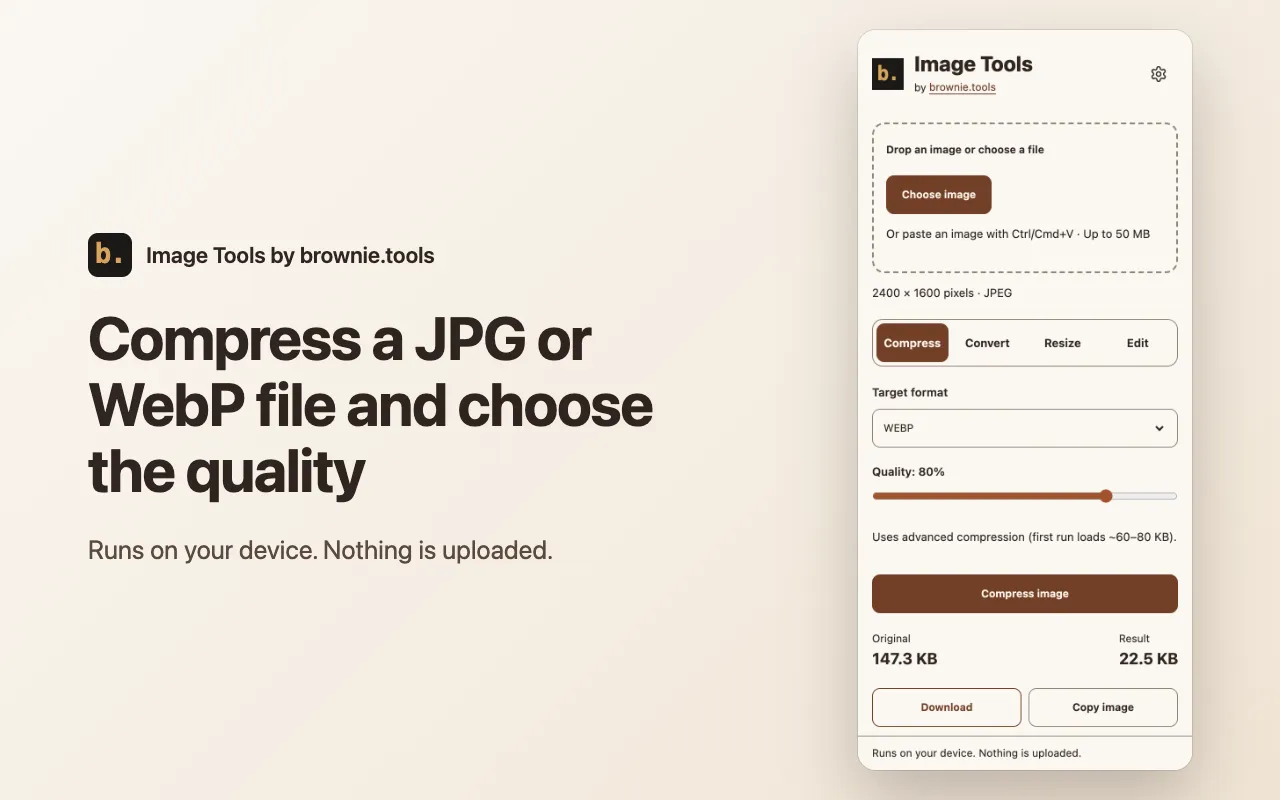
Make a JPG, PNG or WebP file smaller. JPG uses MozJPEG and PNG is optimized without losing a pixel.
-
Convert
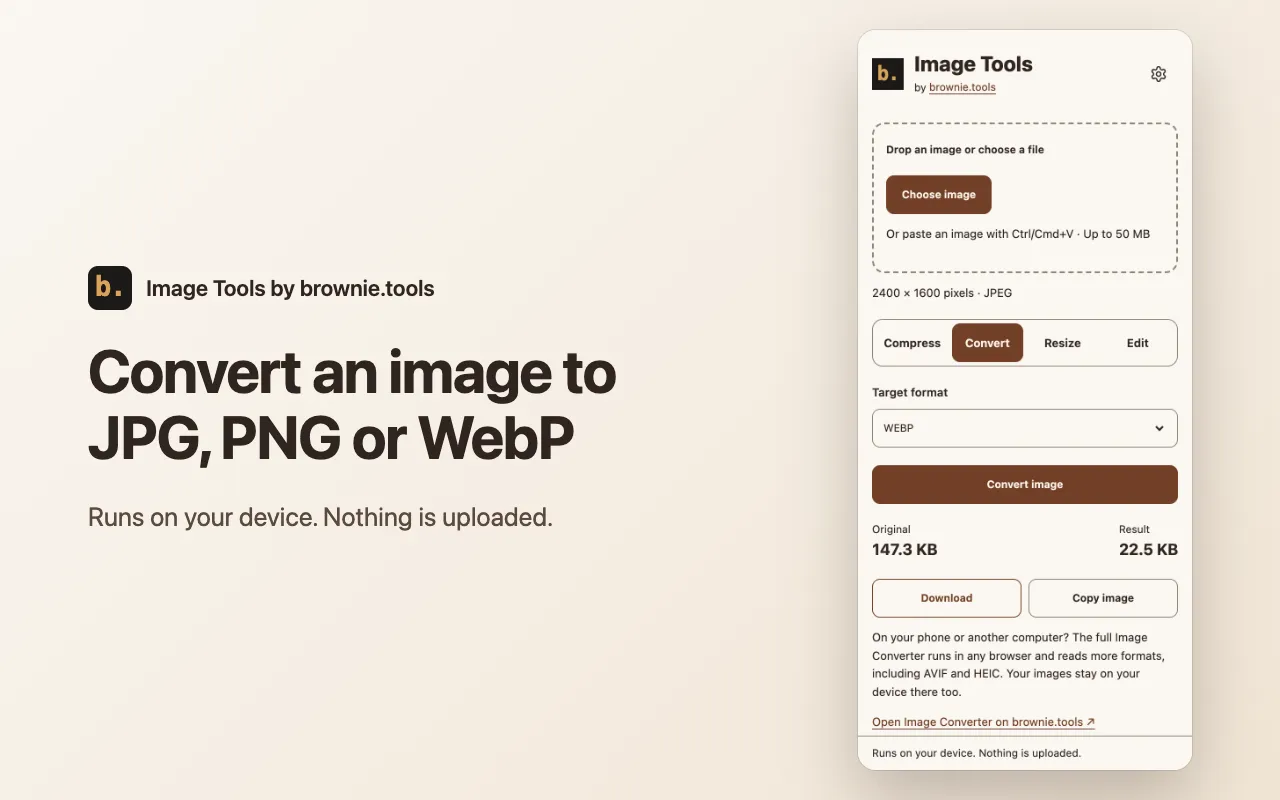
Save a picture as JPG, PNG or WebP. Which formats appear depends on what your browser can encode.
-
Resize
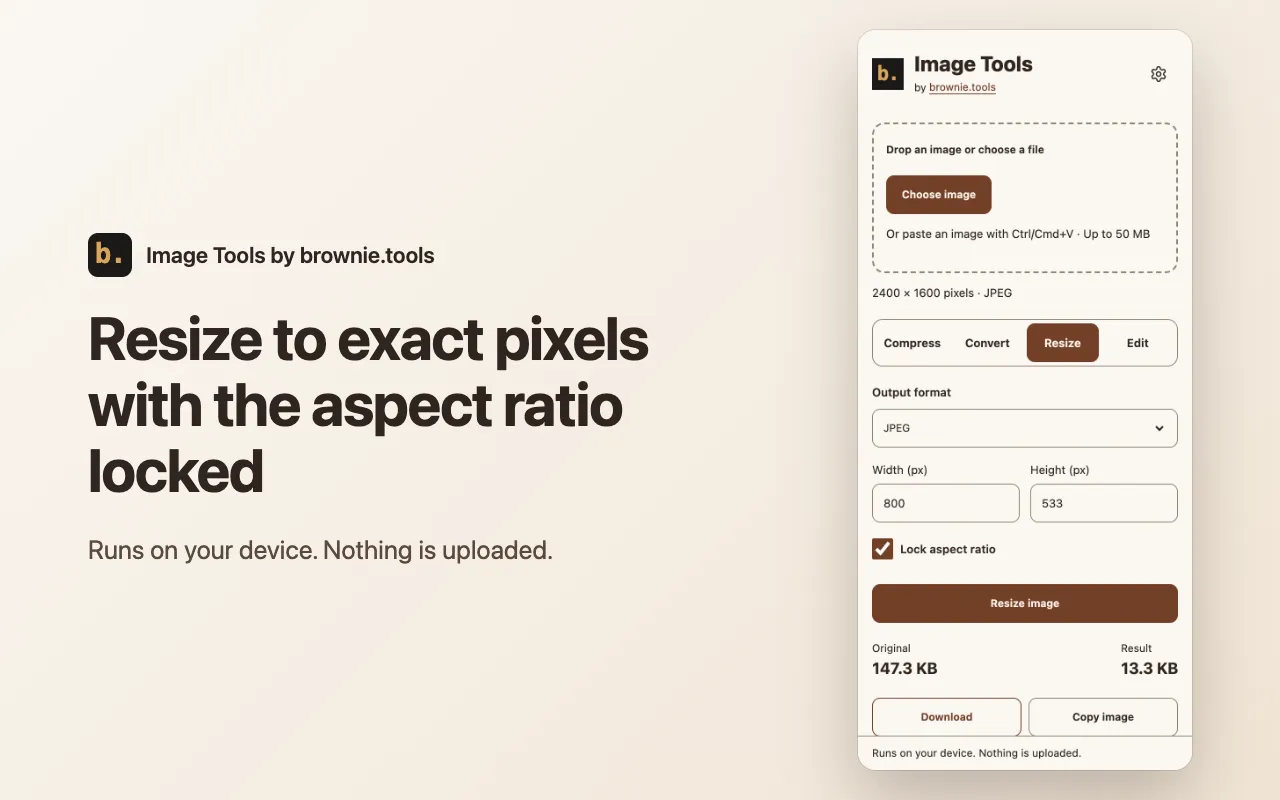
Set a new width and height in pixels, with the aspect ratio locked or unlocked.
-
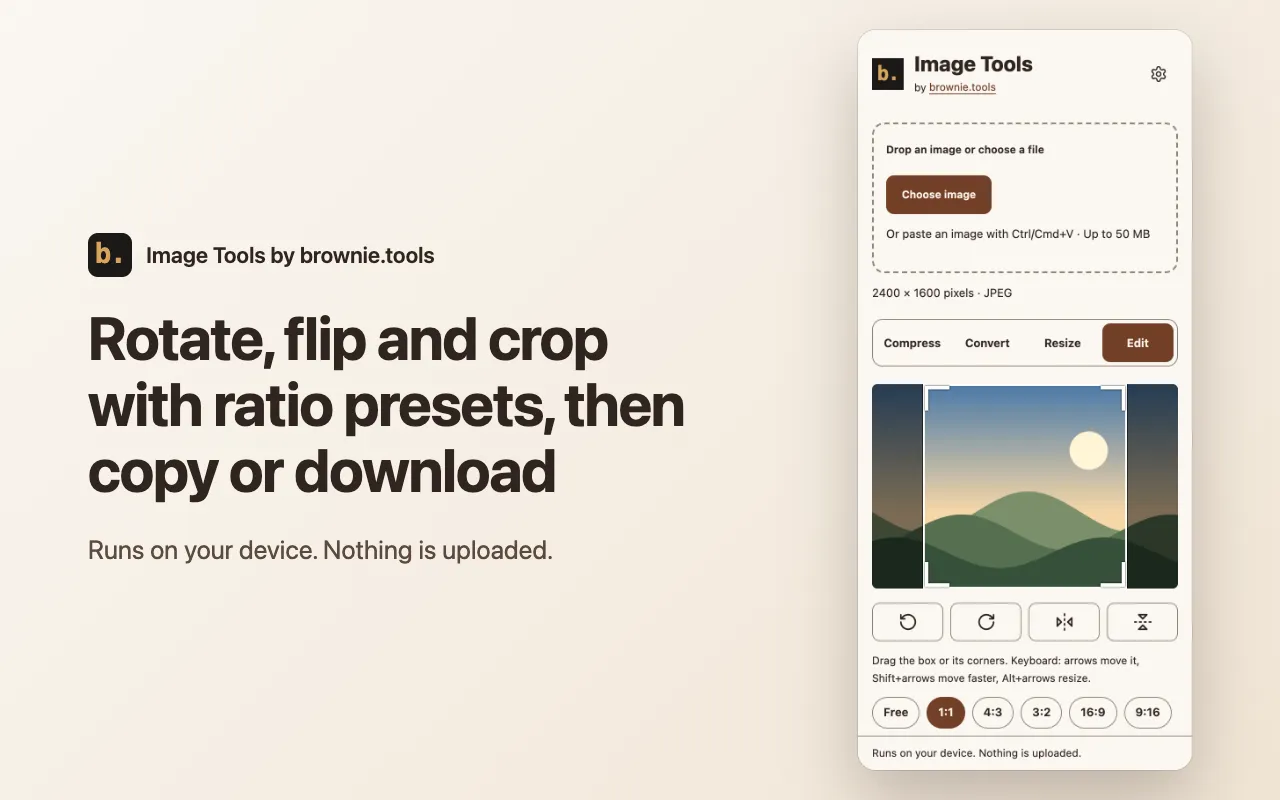
Rotate, flip and crop
Turn or mirror a picture and crop it freely or to 1:1, 4:3, 3:2, 16:9 or 9:16, with a live preview.
-
Copy or remove location data
Copy any result to the clipboard. Photos with GPS data get a one-click removal that keeps full quality.
-
Right-click any image
Choose "Edit image with Image Tools" on a picture in a web page and it opens in the side panel.
How to use it
-
Open the panel
Right-click a picture on a web page and choose "Edit image with Image Tools", or click the toolbar icon.
-
Add an image
Choose a file, drop one on the panel, or paste with Ctrl+V or Cmd+V. Files up to 50 MB are accepted.
-
Pick an action
Choose Compress, Convert or Resize, then download the result.
Permissions and privacy
Your images are processed on your device and are not uploaded. These are the permissions it uses and why. The full privacy policy for extensions has the details.
- Context menus
- Adds the "Edit image with Image Tools" item to the right-click menu on images.
- Side panel
- Shows the editor in the browser side panel and opens it from the toolbar icon and the right-click item.
- Storage (session)
- Hands the address of the right-clicked image to the side panel. It stays in memory and is cleared when the browser closes.
- Access to one site, on request
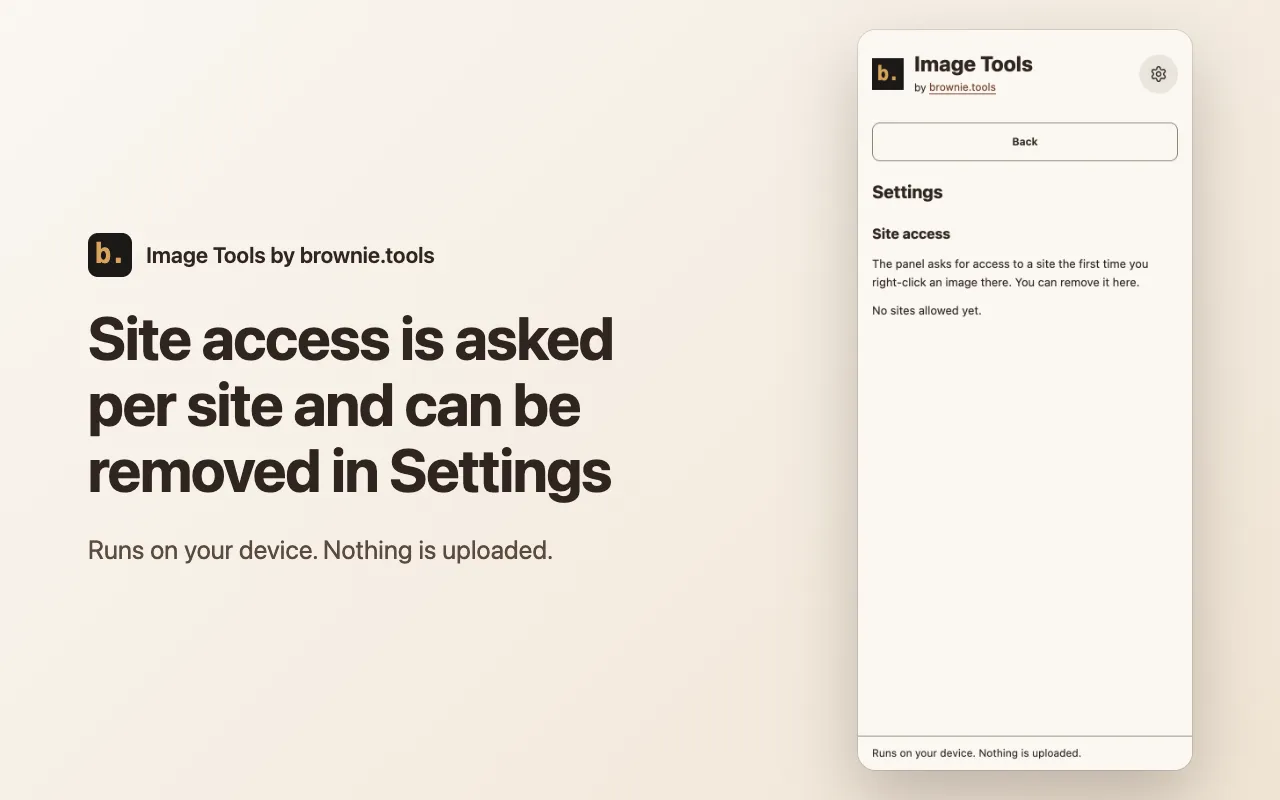
- Asked only when you right-click an image on that site, so the panel can download that one image. It is not requested at install and you can remove it in the panel settings.
Use it on your phone or in bulk
The extension handles one picture at a time, from a desktop browser. For a phone, a whole folder or finer options, use the website tools, which run the same way on your device: Image Compressor, Compress JPG, Compress PNG, Bulk Image Compressor and Bulk Image Resizer.
Related tools
- Image Compressor
- Compress JPG
- Compress PNG
- Compress Image for Web
- Image Resizer
- Universal Image Converter
- JPG to PNG Converter
- PNG to JPG Converter
- PNG to WebP Converter
- WebP to JPG Converter
- WebP to PNG Converter
- Image Cropper
- Image Rotate
- EXIF Remover
- HEIC to JPG Converter
- SVG to PNG Converter
- Bulk Image Compressor
- Bulk Image Resizer
- Social Media Image Resizer