
QR Code Generator & Reader Extension
by brownie.tools
Create and read QR codes in a toolbar popup on your device. Available on Chrome, Edge and Firefox.
- Version
- 0.1.0
- Updated
- Published
- Category
- Developer Tools
- Works in
- Chrome, Edge and Firefox
- Price
- Free
- Data
- Stays on your device
QR Code Generator & Reader makes a QR code for the page you are on in one click, and reads every QR code on a page or in an image. It runs in the toolbar popup, processes codes on your device and uploads nothing. There is no account and the codes never expire.
Screenshots
What it does
-
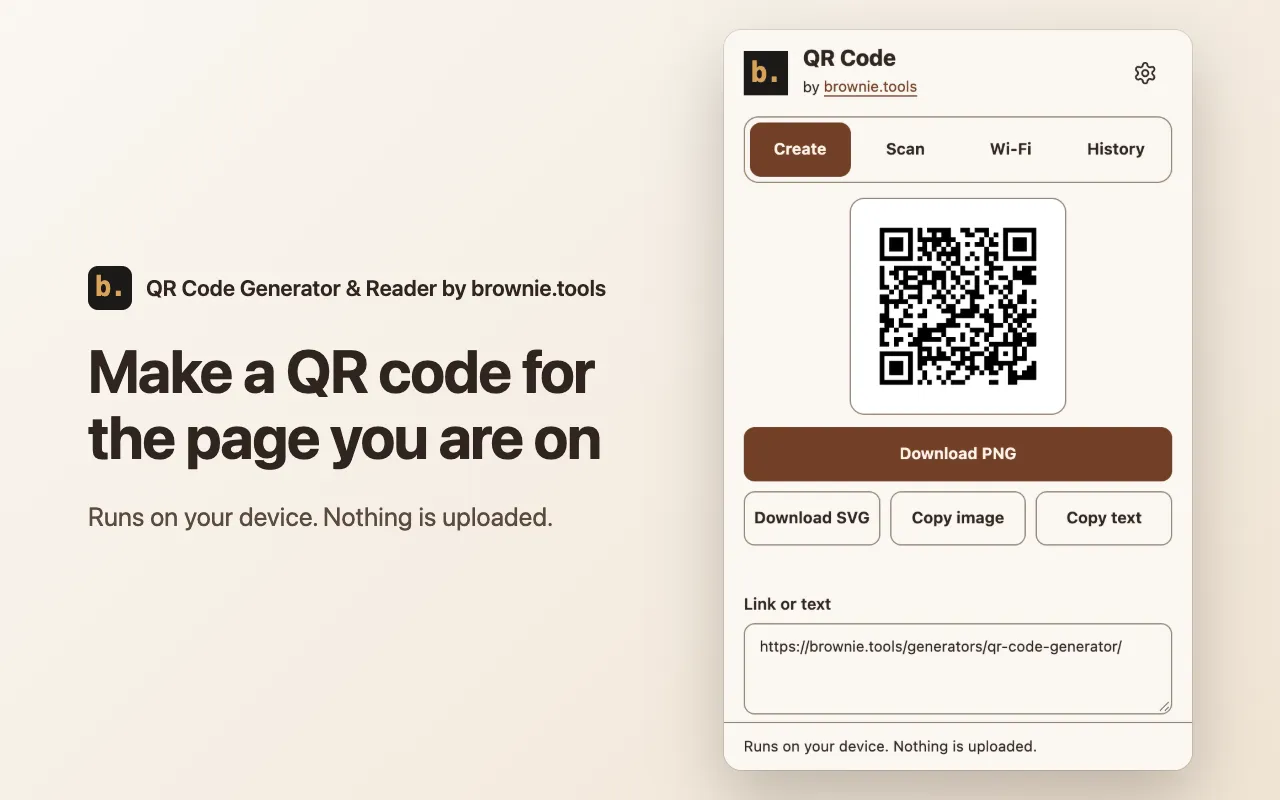
QR code for this page
Click the icon and the code for the current page is ready. Edit the text, then download a PNG or SVG, or copy the image.
-
Tracking cleanup
Removes utm and click-id parameters from links before they go into the code, and shows how many it removed.
-
Colors and logo
Choose size, error correction and colors, and add a logo in the center. A warning appears when phones may not read the colors.
-
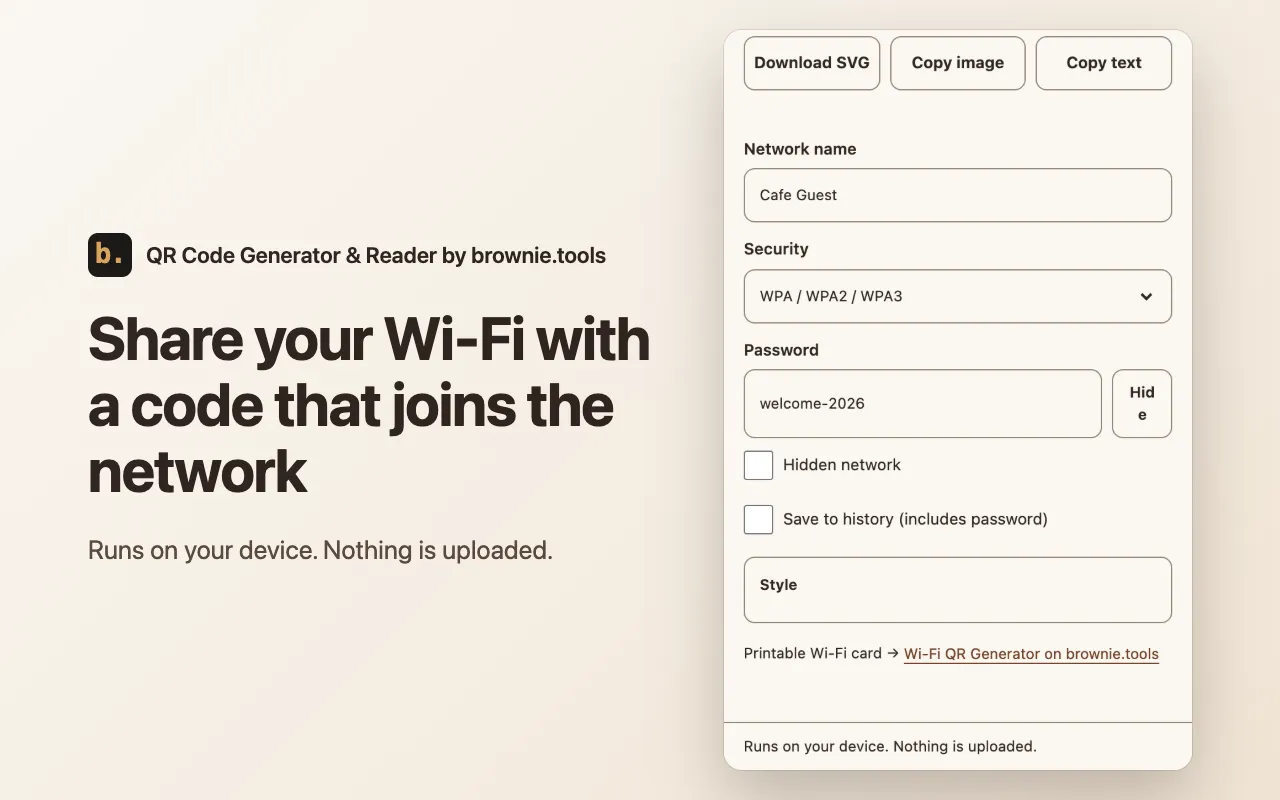
Wi-Fi codes
Enter the network name and password to get a code that joins the network. The password is not saved unless you tick the box.
-
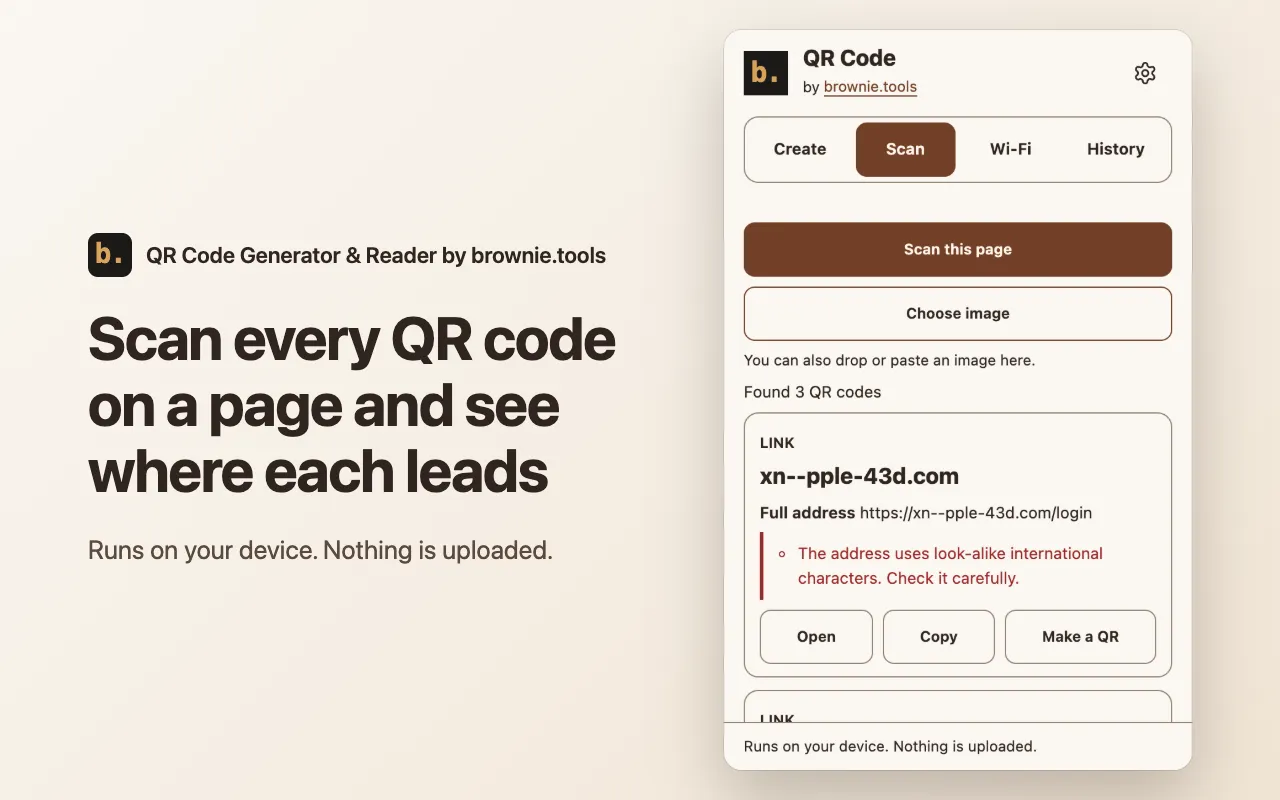
Scan any page or image
Reads the QR codes on the visible part of a page, or from an image you choose, drop or paste. Each result shows its type and full web address.
-
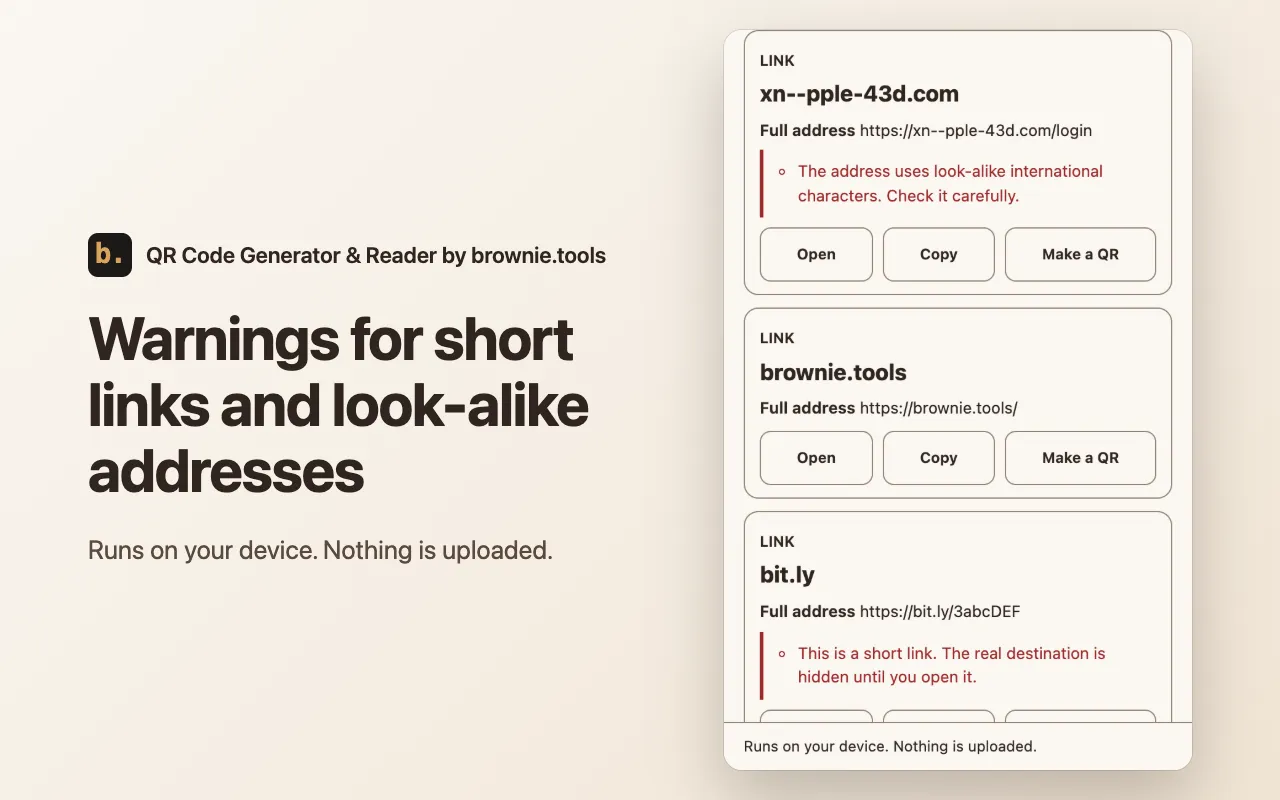
Link safety hints
Warns about short links, look-alike international characters, plain http, numeric addresses and user names in the address.
How to use it
-
Open it
Click the toolbar icon or press Alt+Shift+Q. The code for the current page is ready.
-
Make or scan
Edit the text, pick a style, or switch to Scan to read the codes on the page or in an image.
-
Save or copy
Download a PNG or SVG, or copy the image or the text.
Permissions and privacy
Everything runs on your device. These are the permissions it uses and why. The full privacy policy for extensions has the details.
- Active tab
- Lets the extension read the address of the page you act on and capture its visible part to find QR codes. It applies only after you click the icon, use a menu item or a shortcut.
- Context menus
- Adds the QR code items for links, selected text and pages, and the scan item, to the right-click menu.
- Storage
- Keeps your settings and history on this device, and hands a right-click request to the popup. Nothing is sent anywhere.