
Color Picker Extension for Chrome, Edge and Firefox
by brownie.tools
Pick screen colors, check contrast and save palettes on your device. Available on Chrome, Edge and Firefox.
- Version
- 0.1.0
- Updated
- Published
- Category
- Developer Tools
- Works in
- Chrome, Edge and Firefox
- Price
- Free
- Data
- Stays on your device
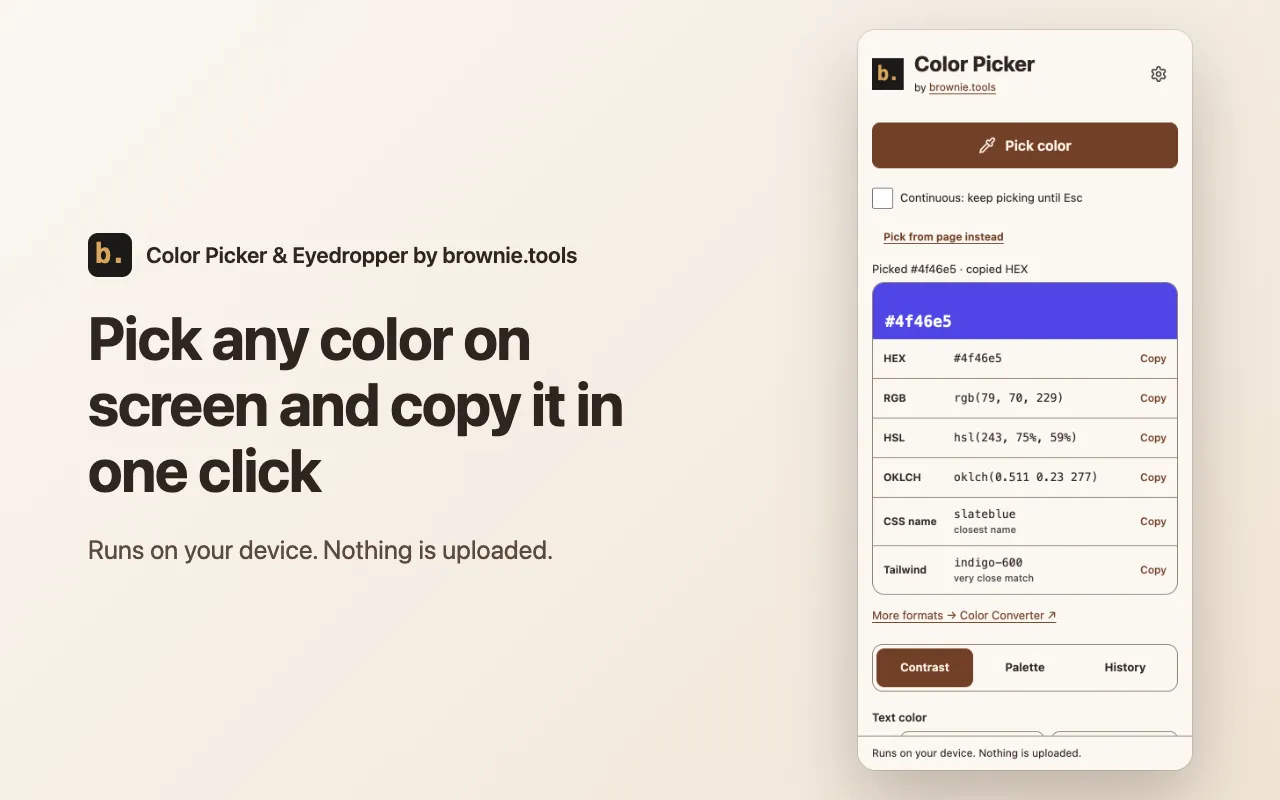
Color Picker & Eyedropper by brownie.tools picks a color from anything you see in the browser and lets you copy, convert, compare and save it. It runs in the side panel, never on a page by itself, and nothing is uploaded.
Screenshots
What it does
-
Eyedropper
Pick any color on screen, one at a time or continuously until you press Esc. Where the browser has no eyedropper, pick from the page with a magnifier and arrow keys.
-
One-click copy
Copy the color as HEX, RGB, HSL or OKLCH, and see the closest CSS name and Tailwind class.
-
Contrast check
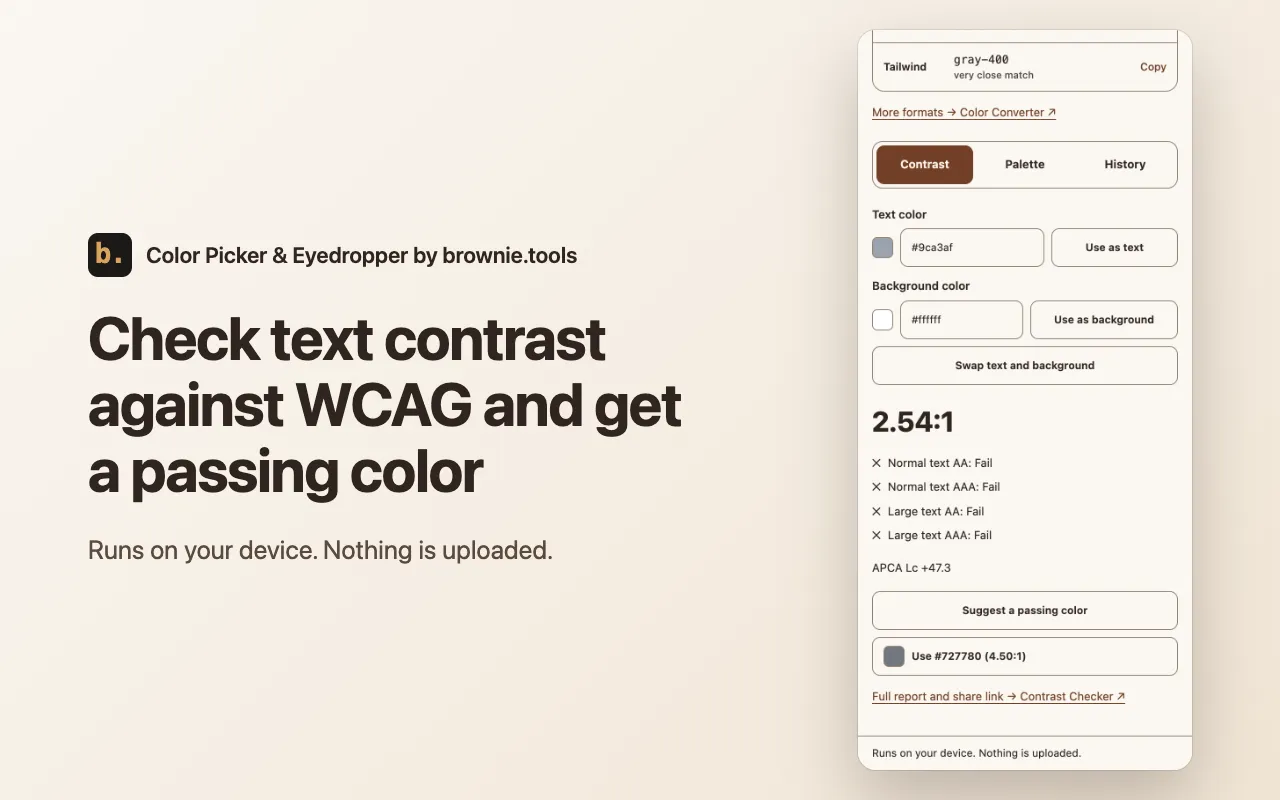
Check text and background against WCAG AA and AAA with an APCA score, and get a suggested passing color.
-
Page palette
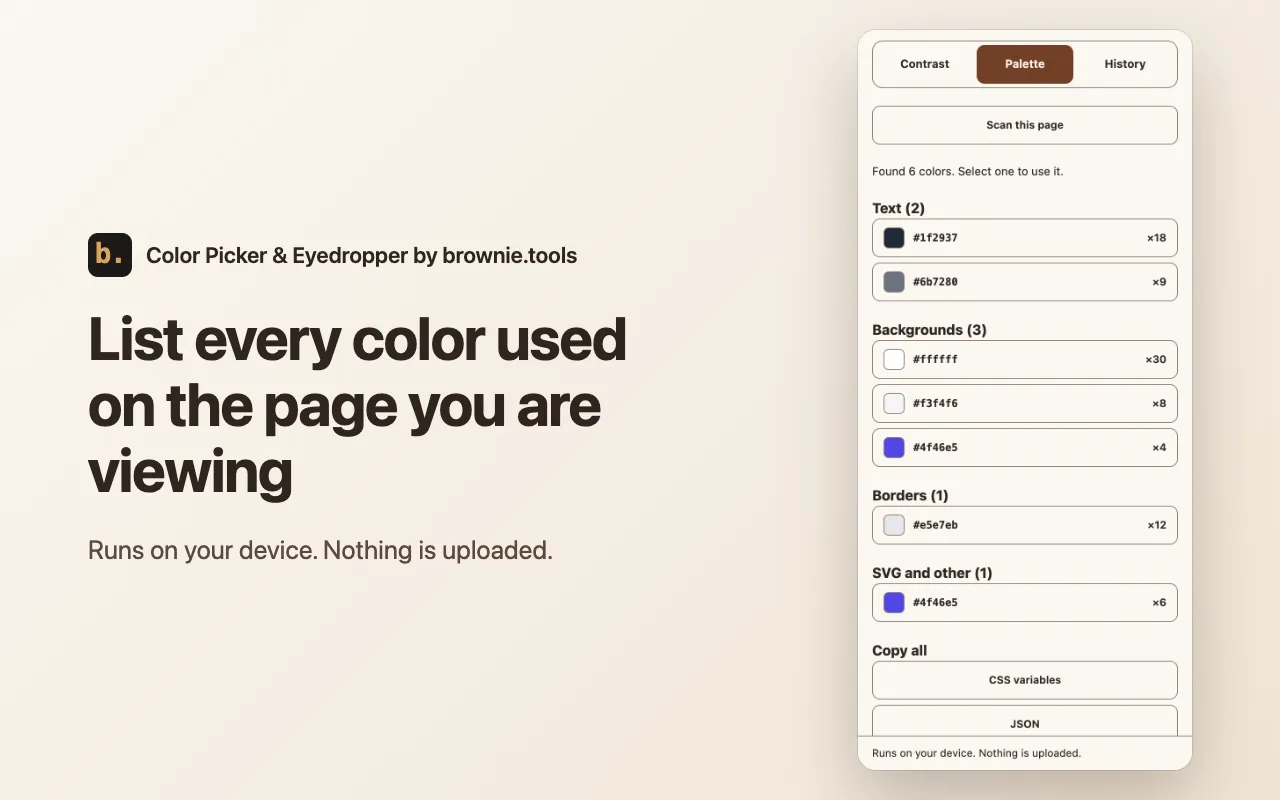
List the text, background, border and SVG colors of the page you are viewing, sorted by use, and copy them as CSS variables, JSON or a Tailwind theme.
-
History
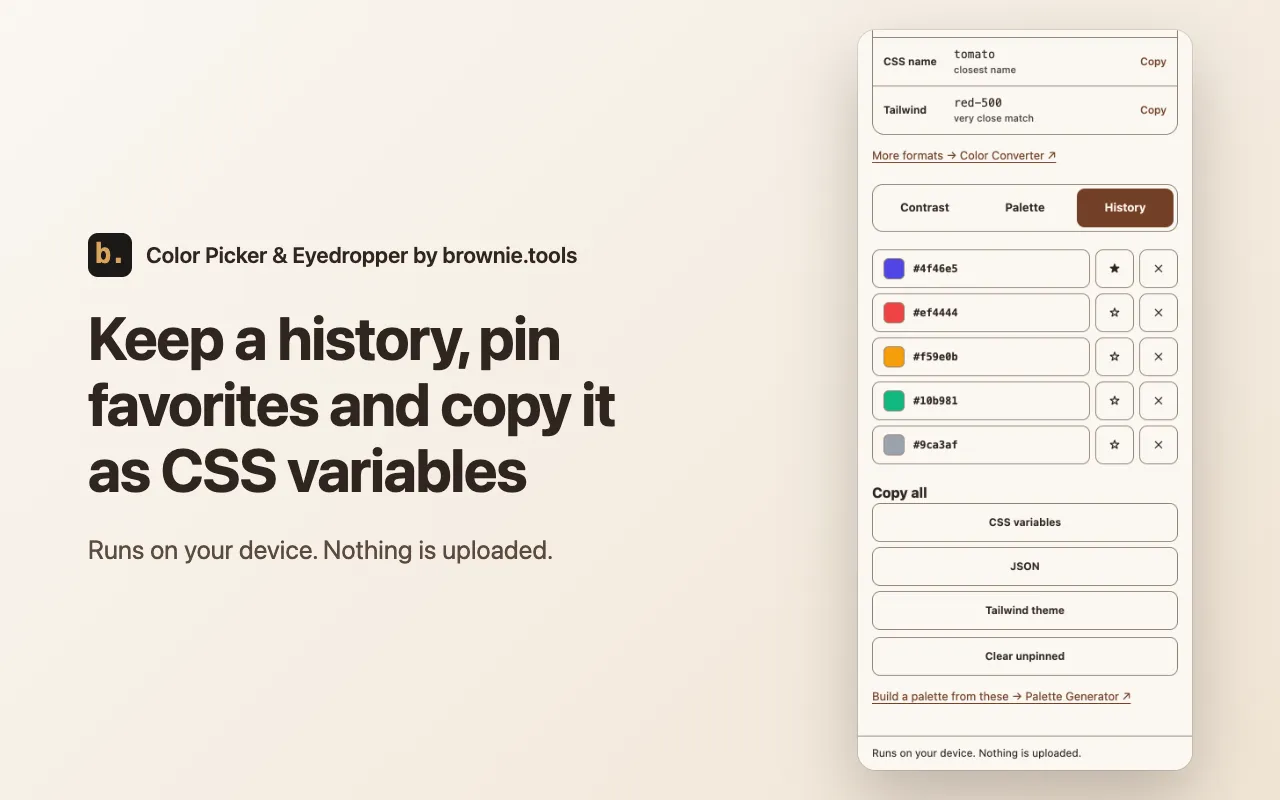
Keep your last 50 picks, pin favorites and export them. History stays in your browser and can be turned off.
How to use it
-
Open the panel
Click the toolbar icon or press Alt+Shift+C. Or right-click a page and choose "Pick a color" or "Show page colors".
-
Pick a color
Press Pick color and click anything on the screen. The value is copied in the format you chose.
-
Use it
Click any value to copy it, check contrast, scan the page palette or open your history.
Permissions and privacy
Colors are read on your device and are not uploaded. These are the permissions it uses and why. The full privacy policy for extensions has the details.
- Active tab
- Lets the extension read the colors of the page you are on, and take one screenshot of it for the in-page picker, only after you click the toolbar icon, use the shortcut or choose a menu item. It ends when you leave the page.
- Scripting
- Runs the page color scan and shows the in-page picker on the current page, on request. Nothing is added to pages by default.
- Context menus
- Adds "Pick a color" and "Show page colors" to the right-click menu.
- Side panel
- Shows the picker in the browser side panel and opens it from the toolbar icon, the shortcut and the right-click menu.
- Storage
- Keeps your settings and color history in this browser and hands a short request from the right-click menu to the panel. Nothing leaves your device.
Use it on your phone or from an image
The extension works on web pages in a desktop browser. For an image file, a phone or more options, use the website tools, which run the same way on your device: Contrast Checker, Color Converter and Image Color Picker.